DirectIP® is an advanced video solution that seamlessly connects IP cameras, NVRs, and network devices to deliver rich functionality, while eliminating complex configuration

UHD Real-Time Monitoring and Recording
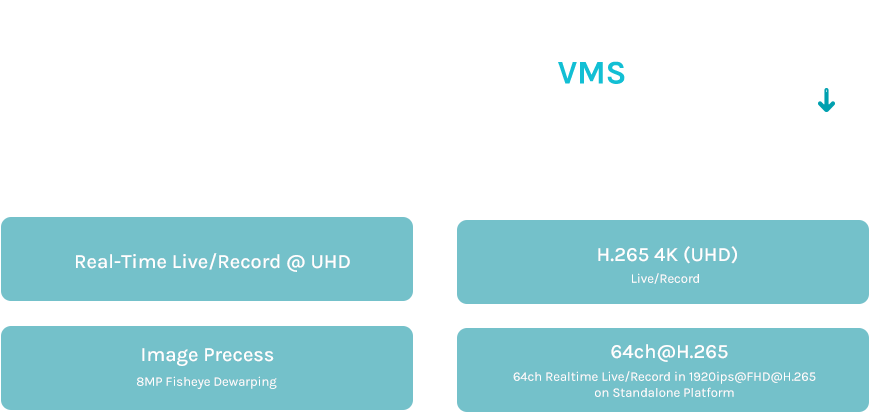
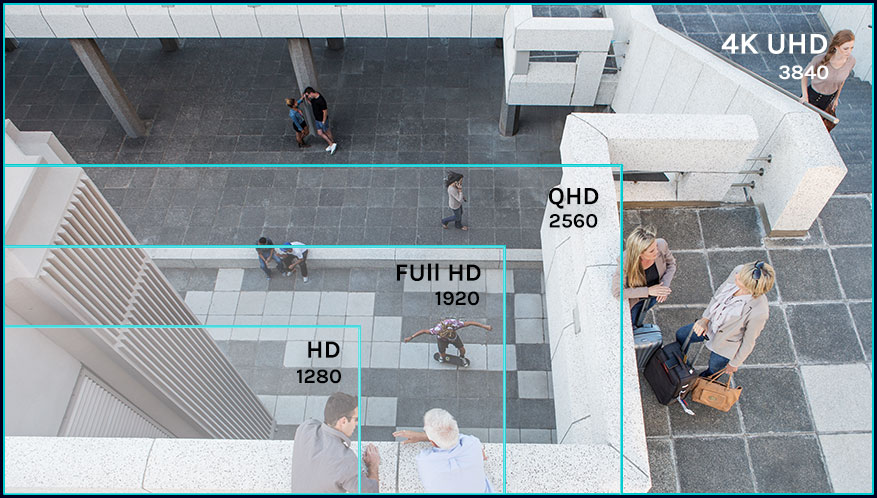
DirectIP’s unparalleled network throughput delivers stable UHD quality video transmission enabling high-performance real-time monitoring and recording from multiple megapixel cameras direct to NVRs without any degradation of image quality. Users also benefit from advanced NVR features such as smart search and event management functionality.
Multiple independent video streams
DirectIP® allows simultaneous real-time monitoring, recording, playback, and remote viewing. In-built smart features have the capability to control resolution, quality, and bitrate to ensure optimum performance.

Rapid Deployment
IDIS cameras utilize Power over Ethernet (PoE) eliminating the need for power cables, while the hierarchical connection structure between cameras and NVRs further guarantees the most efficient method of cabling. DirectIP® cameras feature audio and alarm I/O ports allowing simple and fast alarm and audio relay with external devices such as sirens and lights.
Zero Configuration
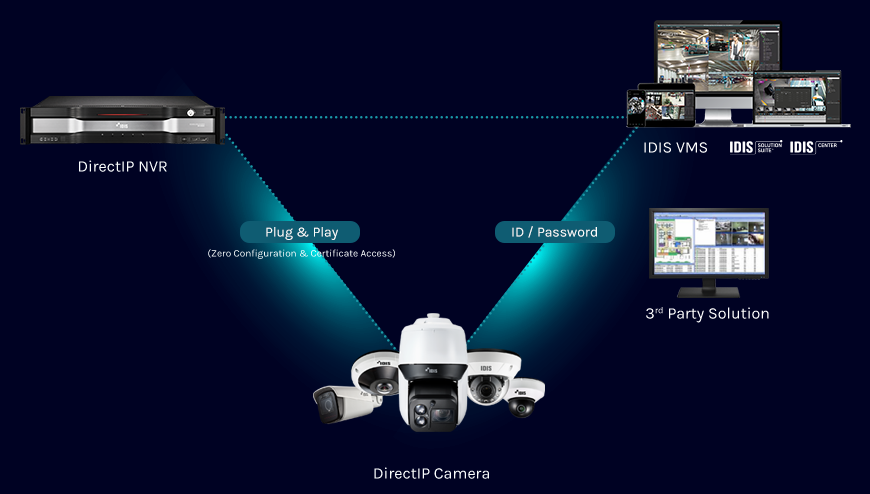
True plug-and-play installation means the seamless connection of devices to lower installation costs and eliminate the need for specialist integration supports. IDIS’s proprietary, automated set of protocols, including AutoIP, multicast DNS, and DNS service directory techniques ensure fast deployments without in-depth knowledge of IP networking.

Compatibility with legacy systems and external devices
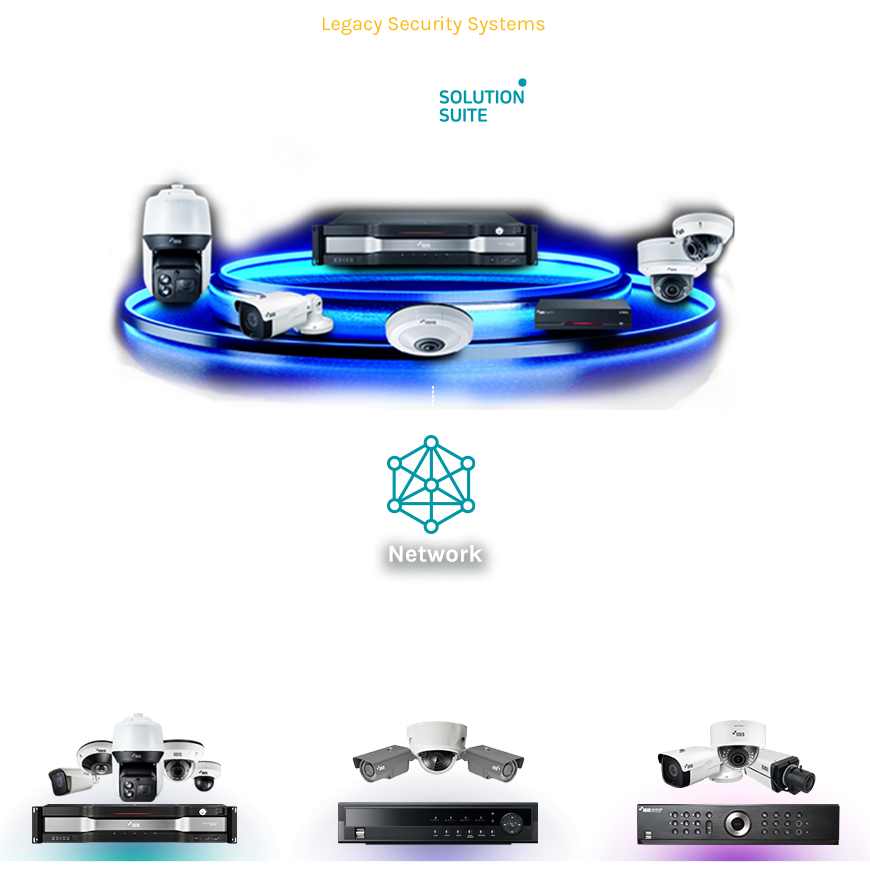
As well as forward and backward compatibility across IDIS’s own range, IDIS can also integrate with legacy analogue cameras and DVRs to extend the life of existing systems, which presents an affordable and manageable migration path to the latest DirectIP technology.
Compatibility with Third-Party Devices and Systems
We understand that customers want to choose the most suitable technology to meet their security needs. And this means the ability to easily integrate with third-party cameras, devices, systems, and software. IDIS already offers a wide range of off-the-shelf integrations with world-leading video management software, intruder and intercom systems, ATMs, Point of Sale (PoS) applications, storage devices, video sources, and recorders. In addition, DirectIP supports ONVIF® for the effective interoperability of IP-based physical security products as well as providing customers with an easy to use Software Development Kit (SDK).

Increase Profits and Reduce Costs
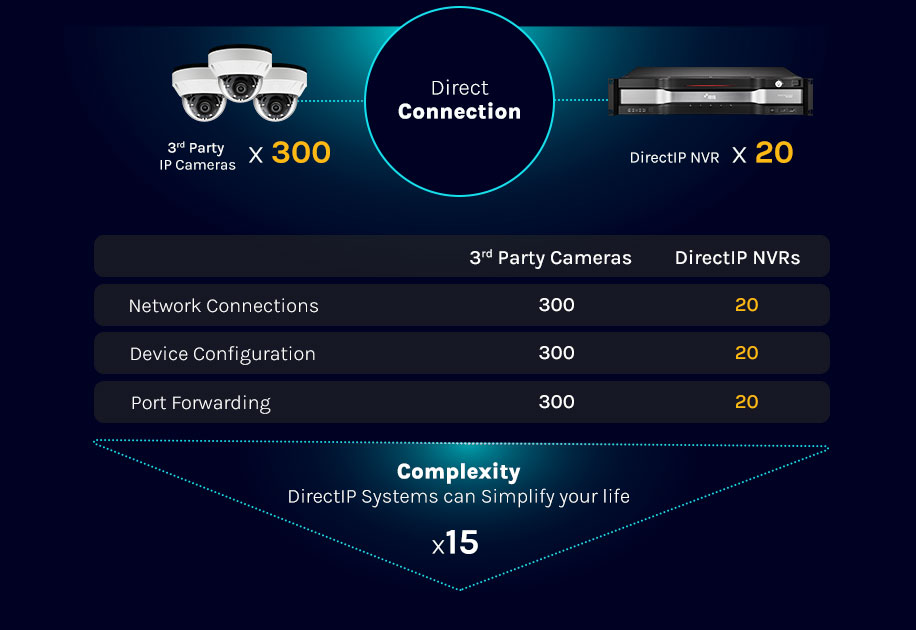
DirectIP® ensures a low total cost to serve (TCS) for installers and integrators
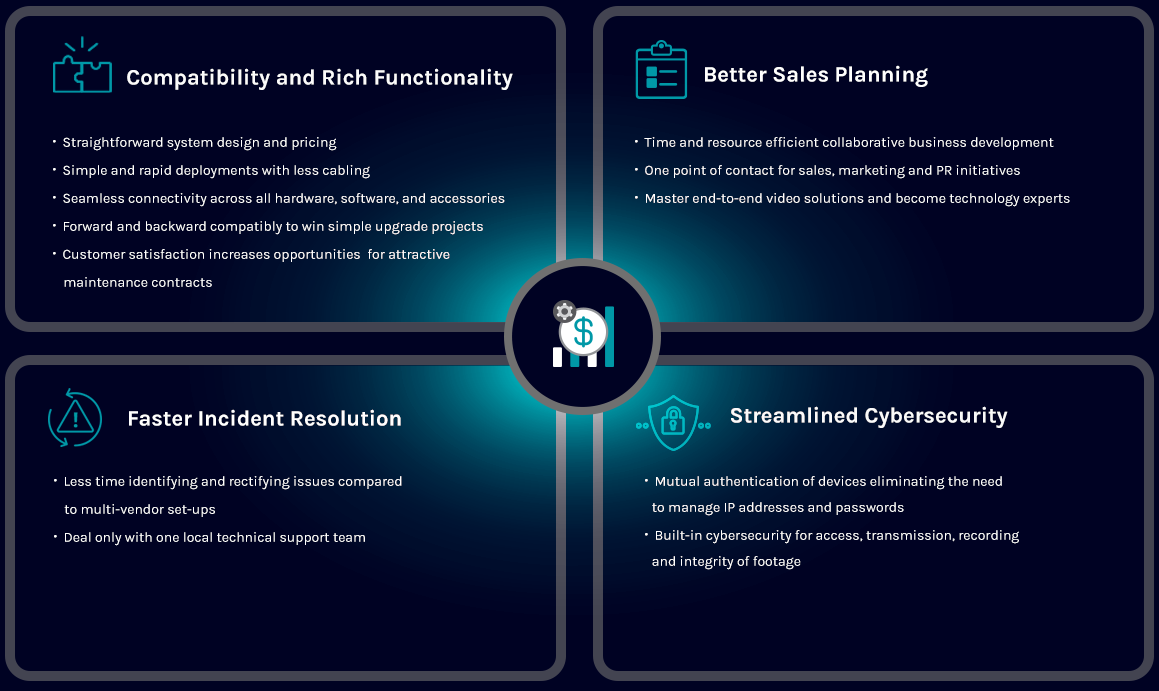
Lower Lifecycle Costs and Increased Efficiency
DirectIP® guarantees a low total cost of ownership (TCO) for customers of any size